
Guides for building owners
How to read the published Elementplan (viewer)
The viewer is the published plan for the project team. Requirements browsing is open. Downloads and checks may need an email code
Published
Simon Dilhas (Cofounder abstract & BIM Pirate)
View exampleThe viewer is the frontend for published project releases. Drafts never appear here. Requirements browsing is open. Downloads and model checks may require an email login code.
Open a project
- Go to your organization’s Elementplan viewer.
- Open Projects / Projekte and select the project.
You will see the project version and the template version it was based on. Both are frozen releases: the template you copied from, then this project after you published it.
Requirements
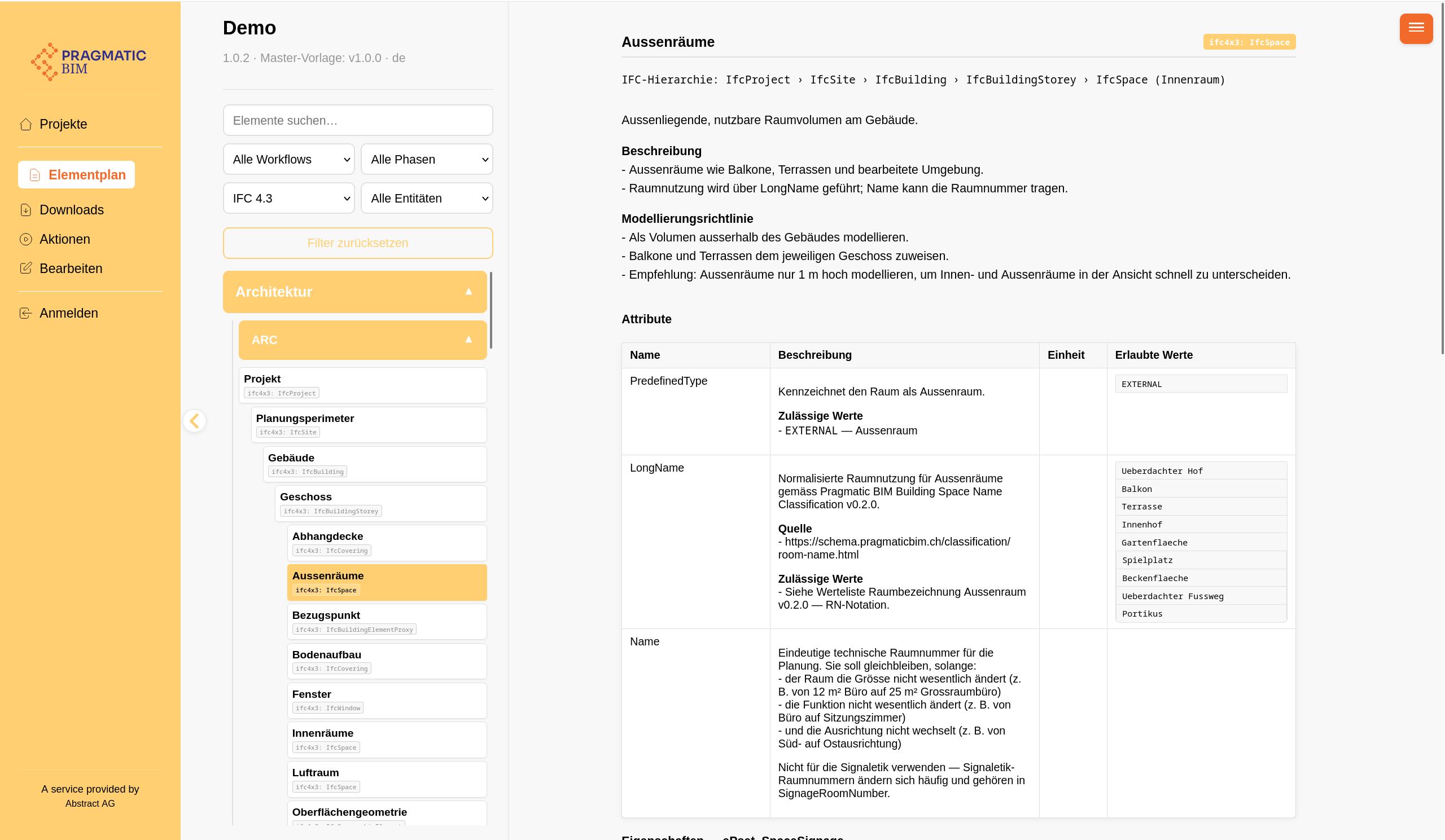
Open Requirements / Elementplan. Models (Teilmodelle) are in the left navigator. Click a model, then an element.
Filter by:
- Use case (workflow)
- Phase
- IFC version (4.3 / 4.0 / 2x3)
- IFC entity
- Search
Downloads
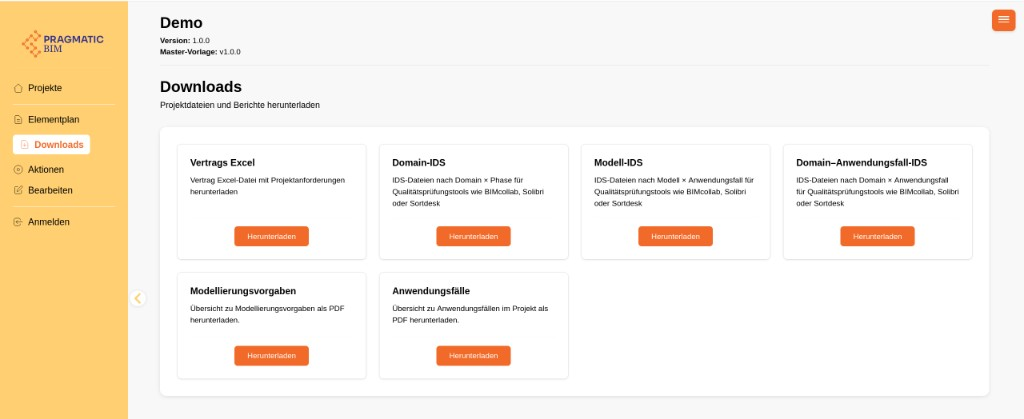
Open Downloads. Typical files:
- IDS - ZIP for Solibri, BIMcollab, or similar
- Contract Excel - tabular requirements
- Use case and modelling PDF reports
If the project is not public, enter your email, then the 6-digit code.
Next
To change the plan, use Edit / Bearbeiten (editor). To check an IFC, use Actions / Aktionen - see Check models with Actions.